




Description
Download Pepsi Super Bowl Halftime Show – Super Bowl Halftime Show, Pepsi Super Bowl app, immersive music experience, AR halftime show, exclusive Super Bowl content, 360-degree video, live Super Bowl streaming, interactive fan experience
Overview
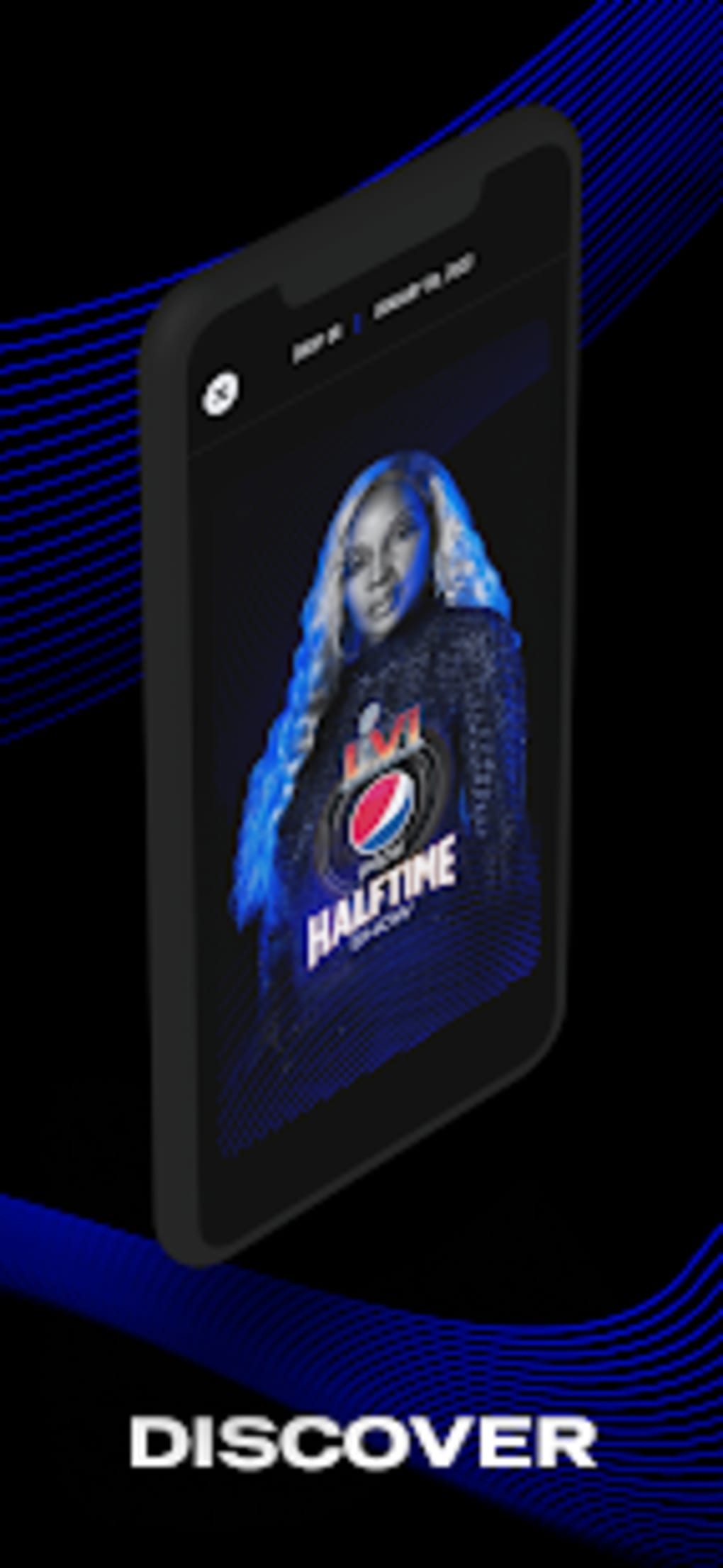
The Pepsi Super Bowl Halftime Show is a multimedia application developed by PepsiCo, Inc., designed to enhance the viewing experience of the annual Super Bowl halftime performance. As a free tool, it offers users exclusive access to content related to Pepsi Super Bowl LVI, including behind-the-scenes footage and pre-show material. The app aims to bring fans closer to the event by providing immersive digital experiences, particularly through augmented reality features that simulate on-field and on-stage perspectives. It is intended for entertainment-focused users, especially sports and music enthusiasts who follow the NFL championship game. The application was released on February 11, 2022, and is available on both Android and iOS platforms. While the app promises real-time interaction with the halftime show through 360-degree video access, user feedback indicates that some features, such as contest participation, were inaccessible due to rapid closure. The developer did not provide additional system requirements, and exact performance details were not specified. Despite technical limitations reported by users, the app remains a notable entry in the entertainment category for Super Bowl fans seeking deeper engagement with the event.
Key Features & Capabilities
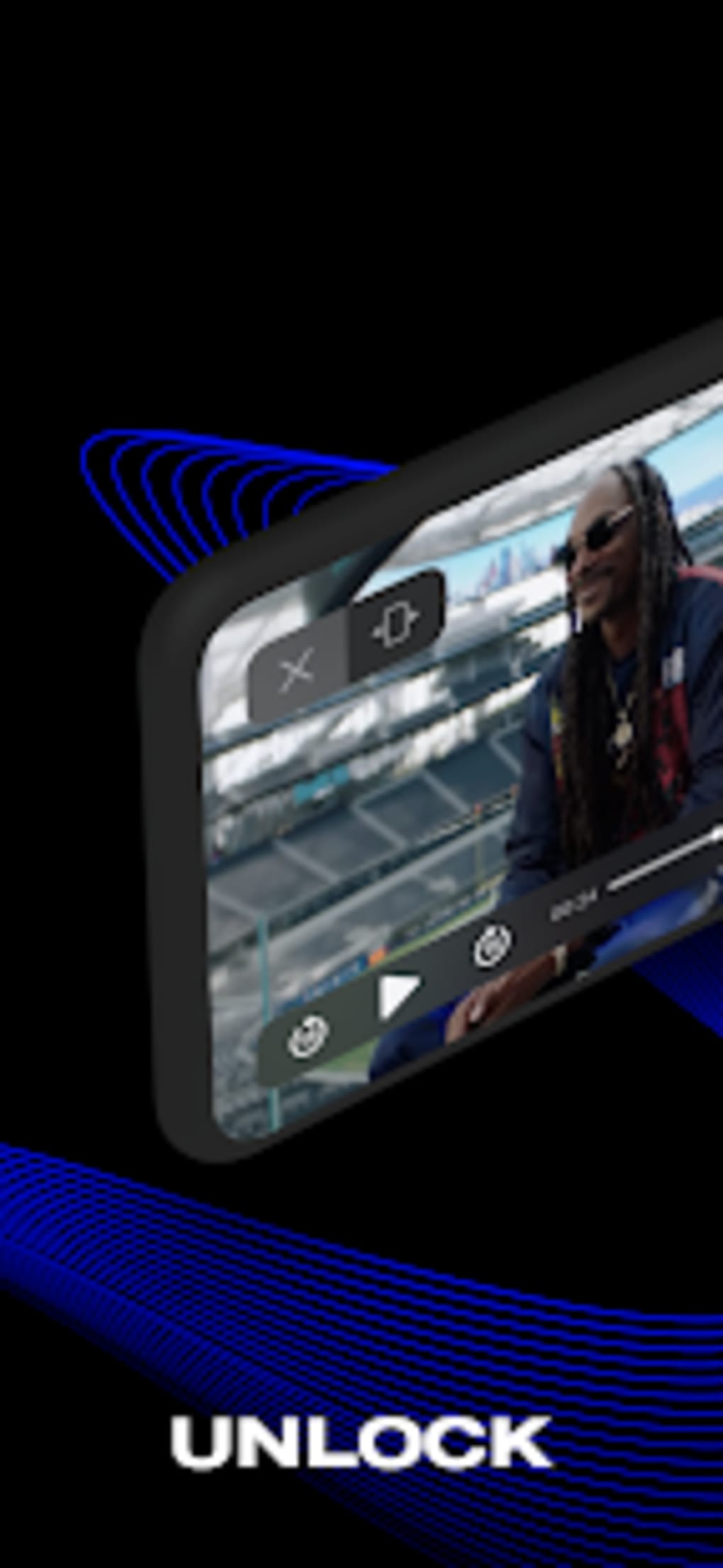
- Exclusive Behind-the-Scenes Content – Users can stream pre-show material, including rehearsals and artist interviews, offering a deeper look into the production of the halftime show.
- 360-Degree Video Access – The app provides virtual on-field and on-stage views, allowing users to explore the performance environment from multiple angles.
- Augmented Reality Integration – By using AR technology, users can move their device around to view the stage and field dynamically during the live broadcast.
- Early Sweepstakes Alerts – The app delivers notifications for contests offering prizes such as flight tickets, hotel stays, and sideline passes to the Super Bowl game.
- Interactive Fan Engagement – Users can participate in contests for memorabilia, including footballs signed by performing artists.
These features are designed to simulate a live venue experience for remote viewers. The 360-degree video and AR functionality are intended to replicate the sensation of being physically present at SoFi Stadium. However, reports indicate that the AR feature was difficult to navigate, and some sweepstakes opportunities closed too quickly for users to participate. The developer did not specify the technical foundation behind the AR implementation or streaming quality. While the app’s core concept is strong, real-world usability varies, particularly in terms of accessibility and responsiveness during peak usage times.
User Interface, Workflow & Performance
The app’s interface appears structured around content discovery and real-time event access. Navigation is organized into sections such as “Exclusive Content,” “Live Experience,” and “Contests,” enabling users to quickly locate features. The workflow emphasizes immediate access to pre-show material and real-time updates during the halftime performance. Users are prompted to enable location services and notifications to receive sweepstakes alerts and live updates. However, performance observations are based on general software behavior patterns, as no official benchmarks or resource usage data were provided. The developer did not specify CPU or RAM consumption, nor did they detail stability under high-load conditions. Some users reported lag during the live stream, particularly when switching between AR views. The app’s responsiveness may depend on device capabilities and network conditions, especially given its reliance on Verizon’s 5G technology for seamless streaming. Overall, the user experience is functional but inconsistent, with usability affected by external factors beyond the app’s direct control.
Compatibility & System Requirements
The Pepsi Super Bowl Halftime Show is compatible with Android and iOS operating systems. The application has a file size of 128 MB, indicating a lightweight installation. It is available in version 1.2.0 as of the release date. The developer did not provide additional system requirements, such as minimum RAM, processor speed, or storage space. Compatibility information was partially provided, with no mention of specific device models or OS versions. Users are advised to ensure their device supports AR functionality and 5G connectivity for optimal performance. The app may require a stable internet connection to stream 360-degree video and access real-time features. Exact performance details were not specified, and no official compatibility matrix was published.
Pros and Cons
Pros
- Free to download and use
- Offers exclusive behind-the-scenes and pre-show content
- Provides 360-degree video access for immersive viewing
- Features augmented reality to simulate on-site experience
- Delivers early alerts for sweepstakes and contests
Cons
- Some sweepstakes are inaccessible due to rapid closure
- AR navigation is reported to be difficult to use
- No official system requirements or performance data provided
- Relies heavily on 5G connectivity, limiting accessibility
- Live stream performance may vary based on network quality
FAQ Section
Is the Pepsi Super Bowl Halftime Show app free to download?
Yes, the app is available at no cost. It is a free tool provided by PepsiCo, Inc. for fans of the Super Bowl halftime show.
What operating systems does the app support?
The app is compatible with Android and iOS devices. No other platform support was mentioned.
Can I use the app without an internet connection?
While the app may store some content locally, real-time features such as live streaming and AR access require an active internet connection.
Are the contests and sweepstakes available to all users?
Contests are open to users who meet the eligibility criteria, but some have closed too quickly for participation, according to user reports.
Does the app require 5G to function properly?
While the app leverages Verizon’s 5G technology for enhanced streaming, it may still operate on other network types, though performance may vary.
Final Thoughts
The Pepsi Super Bowl Halftime Show app delivers a bold vision for interactive fan engagement, combining exclusive content, 360-degree video, and augmented reality to simulate a live stadium experience. Despite technical limitations and inconsistent access to certain features, it remains a compelling tool for Super Bowl enthusiasts. The app’s ability to provide behind-the-scenes footage and real-time contest alerts adds value for dedicated fans. However, usability challenges, including difficult AR navigation and inaccessible sweepstakes, prevent it from fully realizing its potential. For those seeking an immersive, interactive way to experience the halftime show, the app is still a must-have, even with its shortcomings. Download Pepsi Super Bowl Halftime Show now to enhance your Super Bowl viewing experience.
Guides & Tutorials for Pepsi Super Bowl Halftime Show APK
How to install Pepsi Super Bowl Halftime Show APK
- Click the Preview / Download button above.
- Once redirected, accept the terms and click Install.
- Wait for the Pepsi Super Bowl Halftime Show APK download to finish on your device.
How to use Pepsi Super Bowl Halftime Show APK
This software is primarily used for its core features described above. Open the app after installation to explore its capabilities.
User Reviews for Pepsi Super Bowl Halftime Show APK 0
No reviews found





